

Car Night Vision System: Detect Animals, Pedestrians & Vehicles in Total Darkness
If you are considering a car night vision system for the first time, the process from initial interest to a working installation involves a small number of decisions that are straightforward once you understand what they involve. This collection covers the InsightDrive thermal night vision systems and walks first-time buyers through the key decisions: whether the system fits your driving situation, which variant is right for your vehicle, and what the installation process involves before you commit to a purchase.
Step 1: Confirm the System Fits Your Driving Situation
A car night vision system adds the most value for drivers who regularly travel unlit rural roads at night in areas where deer, elk, or other large animals are present. Before purchasing, assess your actual driving patterns:
- How many nights per week do you drive on unlit rural roads?
- Are deer crossing signs present on your regular routes, or have you had near-misses with animals at night?
- Do you drive during the October–December peak collision season on rural routes?
If your driving is primarily urban and daytime, the incremental benefit of a night vision system is more limited. If you regularly drive rural roads at night, the system addresses a real and specific risk.
Step 2: Confirm Your Vehicle Is Compatible
The InsightDrive 12V variant is compatible with most standard passenger vehicles, SUVs, crossovers, and light trucks. Before ordering, confirm:
- Electrical system: Standard passenger vehicles run 12V systems. Heavy commercial trucks typically run 24V and require the 24V variant with converter.
- Display connection: The system outputs video via HDMI, VGA, or RCA. Identify whether you have a compatible screen in your vehicle or will need a dedicated display.
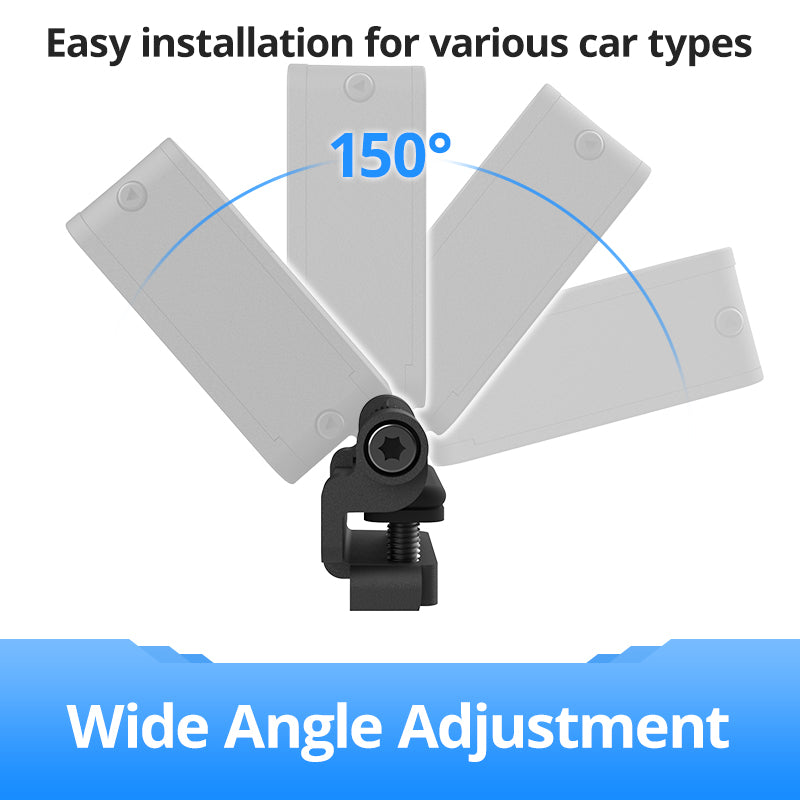
- Mounting position: The camera mounts to the front bumper or grille. Confirm there is a suitable mounting point on your vehicle’s front end.
If you are unsure about any of these, contact Robofinity before ordering. Compatibility questions can be resolved before purchase.
Step 3: Understand What Installation Involves
First-time buyers often have questions about installation complexity. The InsightDrive does not require dealer programming or ECU integration. Installation involves three main tasks:
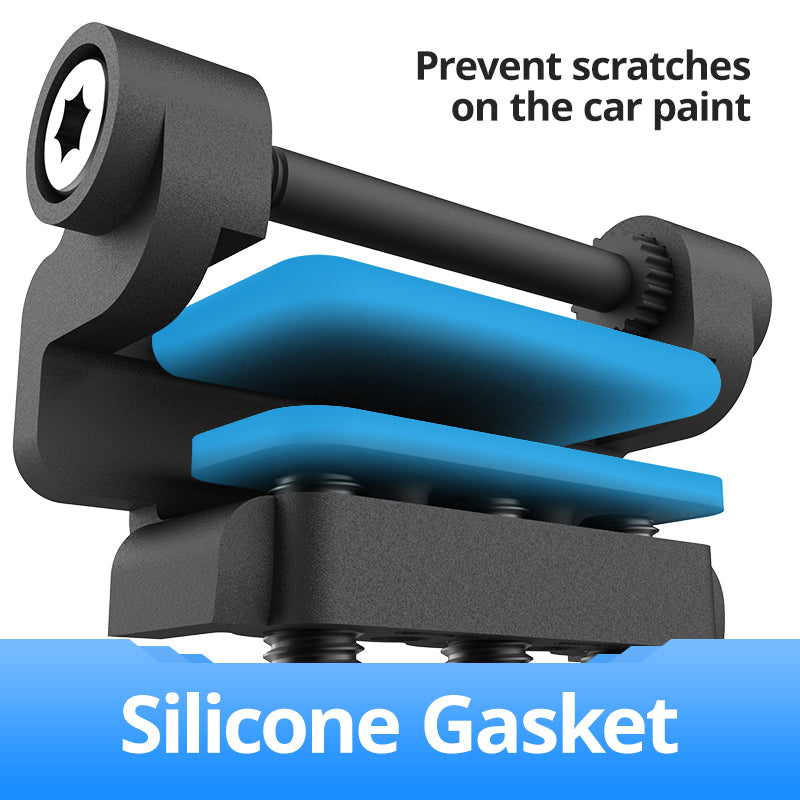
- Mounting the camera: Attaching the bracket and camera to the front bumper or grille using the supplied hardware
- Connecting power: Running a cable from the camera to the vehicle’s fuse box and connecting to a switched ignition circuit with appropriate fuse protection
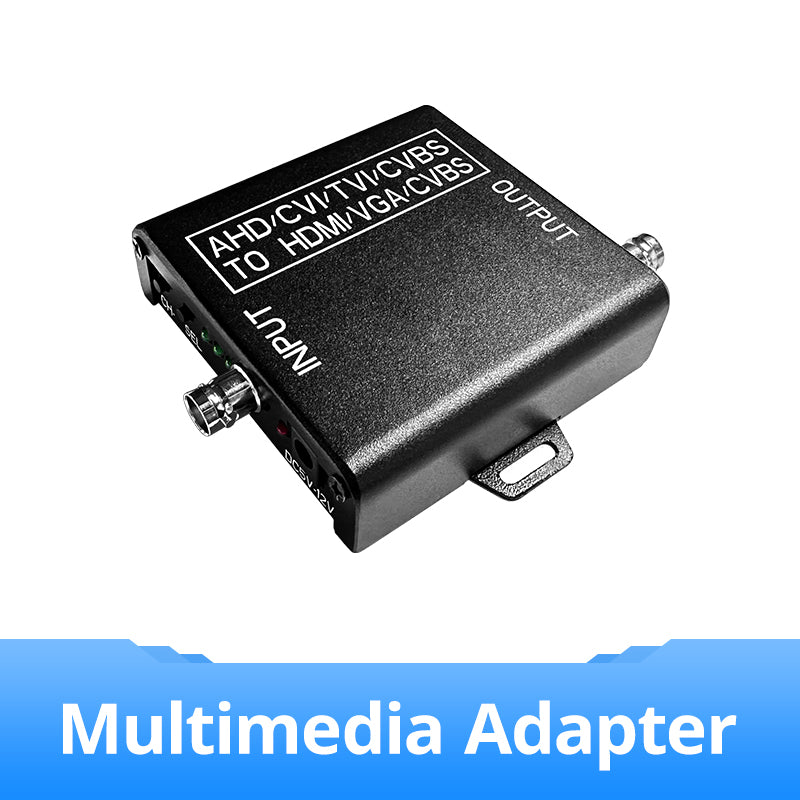
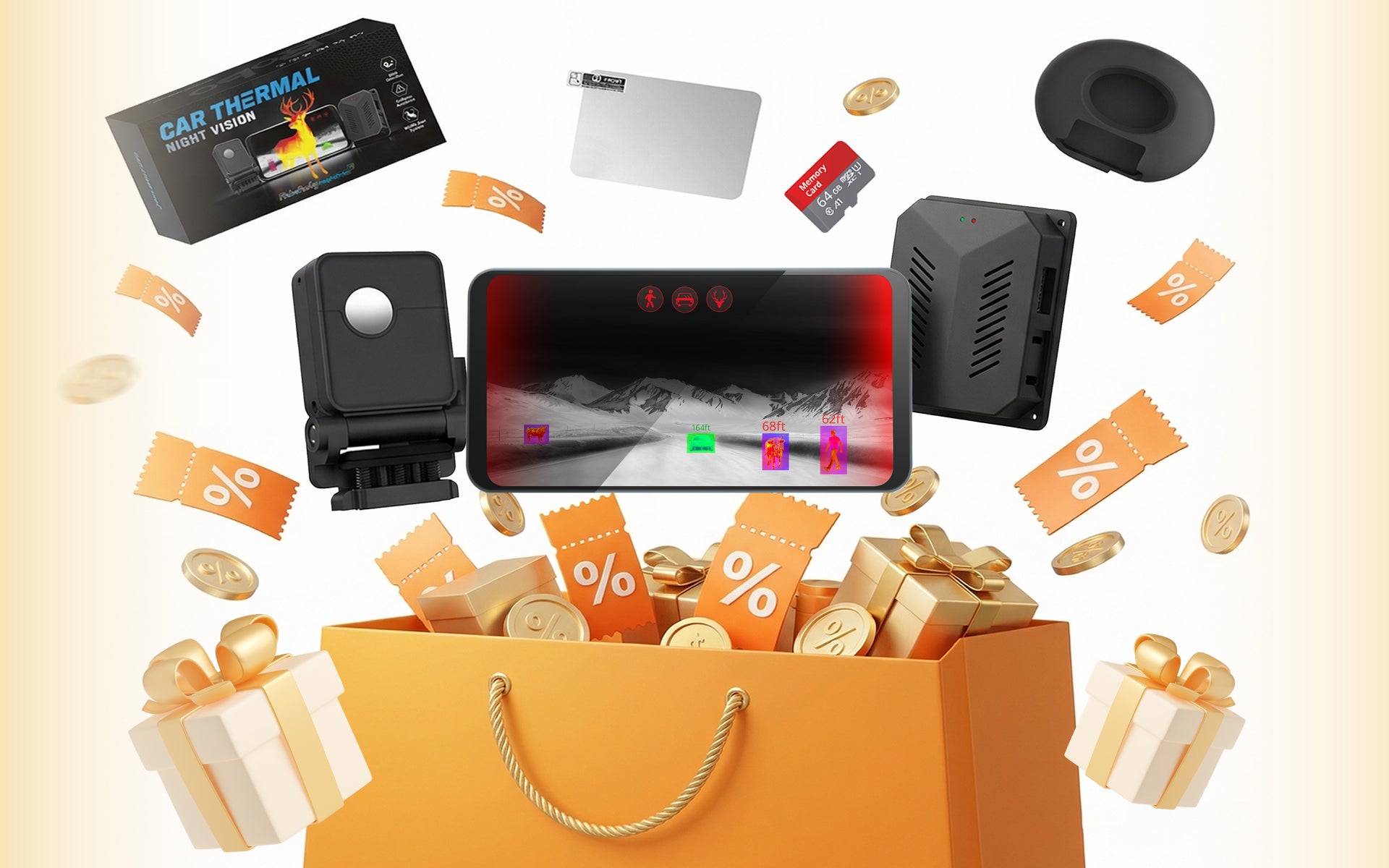
- Connecting the display: Running the video cable from the camera to a display inside the cab using the multimedia adapter
For owners with basic automotive wiring experience, this is a manageable DIY installation. For owners not comfortable with vehicle electrical systems, professional installation by a qualified auto electrician is the recommended approach.
Step 4: Order and Prepare for Installation
Before your system arrives, prepare by:
- Measuring the cable route from the front mounting position to the cab display location
- Identifying the switched ignition circuit you will use in the fuse box
- Confirming your display connection option and having the display ready if a dedicated screen is needed
- Gathering the tools listed in the installation guide
Frequently Asked Questions
Do I need any special tools to install the InsightDrive?
Basic automotive tools are sufficient: screwdrivers, wire strippers, a crimping tool, a multimeter, and cable management materials. No specialist tools are required. A full tool list is available in the installation guide provided with the system.
How long does installation take for a first-time installer?
For a passenger car or SUV with straightforward front-end access, a first-time installer with basic wiring experience should allow 3–4 hours. Larger vehicles or more complex cable routes may take longer. Planning the cable route before starting significantly reduces installation time.
What if I have questions after I receive the system?
Robofinity provides installation support before and after purchase. If you encounter questions during installation, contact Robofinity with a description of your vehicle and the specific step you are working on.
Can I return the system if it does not fit my vehicle?
Contact Robofinity before ordering if you have compatibility concerns. Resolving compatibility questions before purchase is more straightforward than managing a return after the fact. Robofinity’s return and warranty terms are detailed in the product documentation.
Browse the systems in this collection. Contact Robofinity with your vehicle details before ordering if you have any compatibility or installation questions.
Filters
3 products