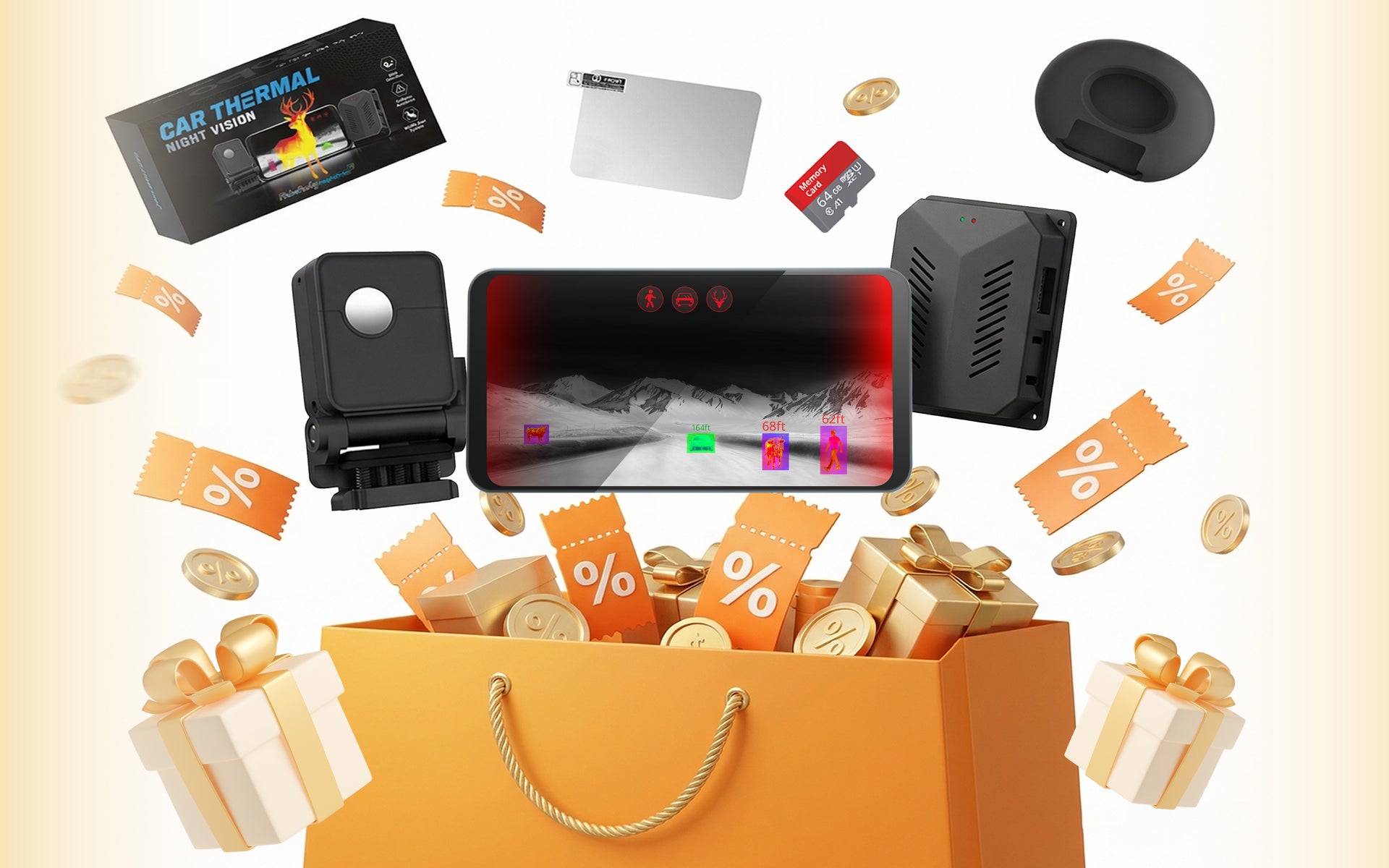


Car Thermal Night Vision
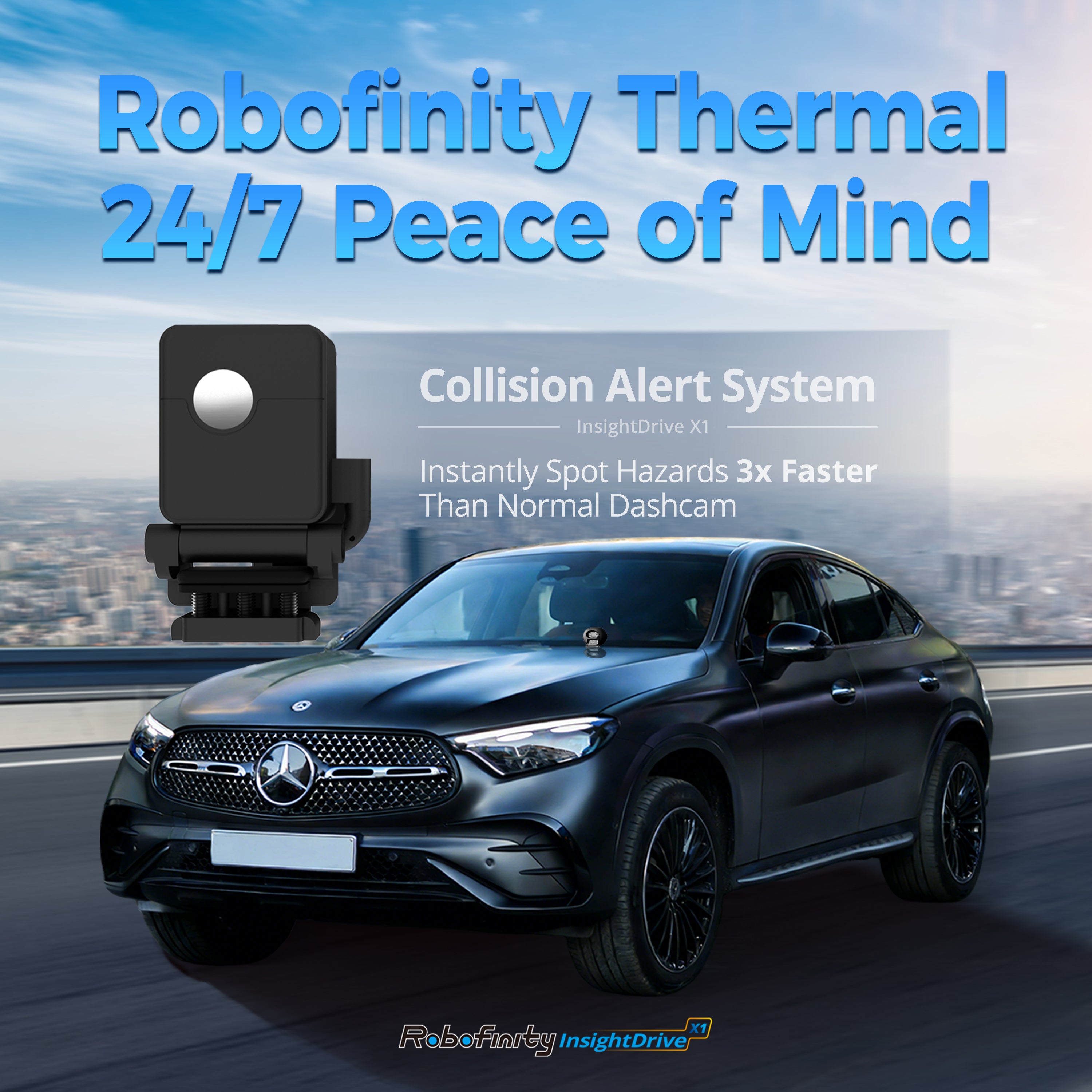
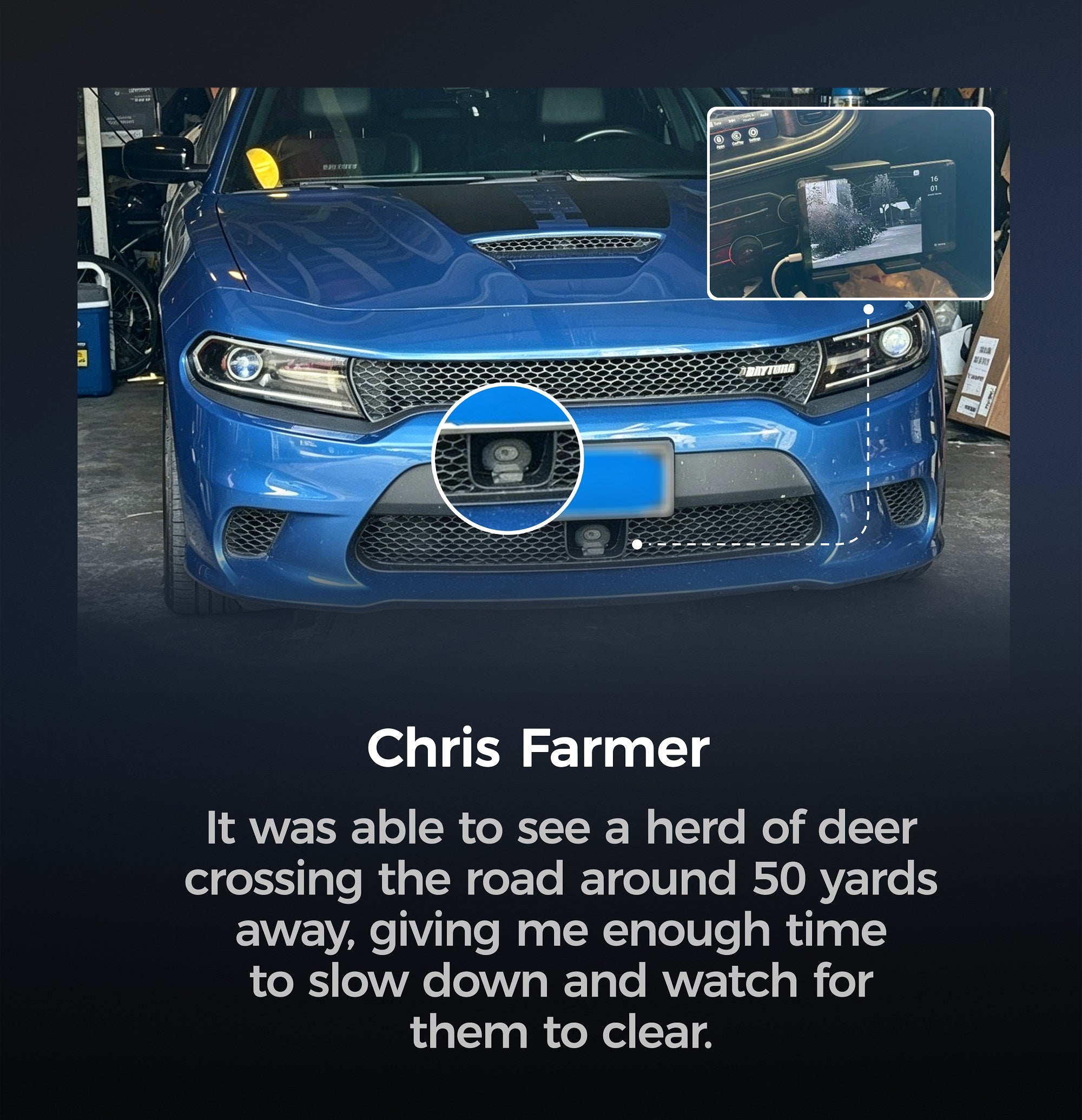
This collection brings together Robofinity's core automotive thermal night vision systems and compatible accessories. The InsightDrive lineup uses thermal imaging to detect animals, pedestrians, and vehicles at distances up to 200m (656ft) — well beyond the reach of standard headlights — and delivers real-time AI-powered collision alerts to the driver. Systems are available in 12V configurations for passenger vehicles and 24V configurations for commercial and specialized vehicles. Browse the products below to compare options and find the right configuration for your vehicle.
What These Systems Do
Thermal imaging cameras detect heat emitted by living beings and warm objects rather than relying on reflected light. This means they function in complete darkness, through light fog, and in rain — conditions where standard cameras and headlights have meaningful limitations. The InsightDrive system processes this thermal data in real time using onboard AI to classify detected objects and issue alerts before a hazard enters the headlight zone.
Who This Collection Is For
Drivers who regularly travel at night on rural highways, mountain roads, or in areas with high wildlife activity. Also suitable for fleet operators, commercial vehicle owners, and installers sourcing thermal safety systems for client vehicles. The 24V variant with converter is designed for trucks, RVs, and other specialized vehicles that do not run a standard 12V system.
Key Specifications to Compare
- Detection range: Up to 200m / 656ft for animals, pedestrians, and vehicles
- Power input: 12V (standard vehicles) or 24V with converter (commercial/specialized)
- AI recognition: Animals, pedestrians, vehicles — with real-time collision alerts
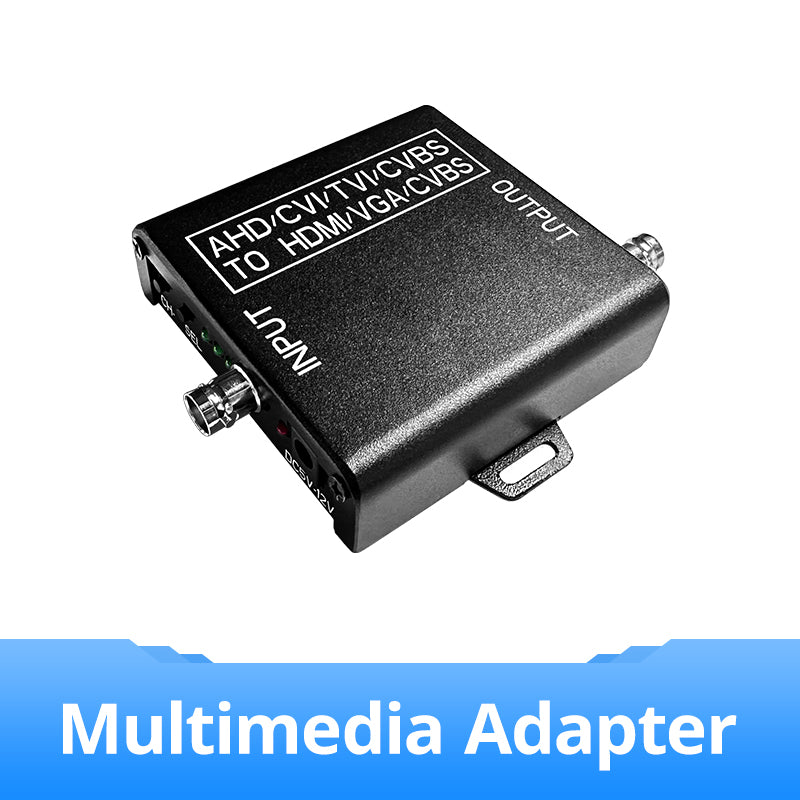
- Display output: HDMI, VGA, or RCA via optional multimedia adapter
- Weather performance: Operates in darkness, fog, and light rain
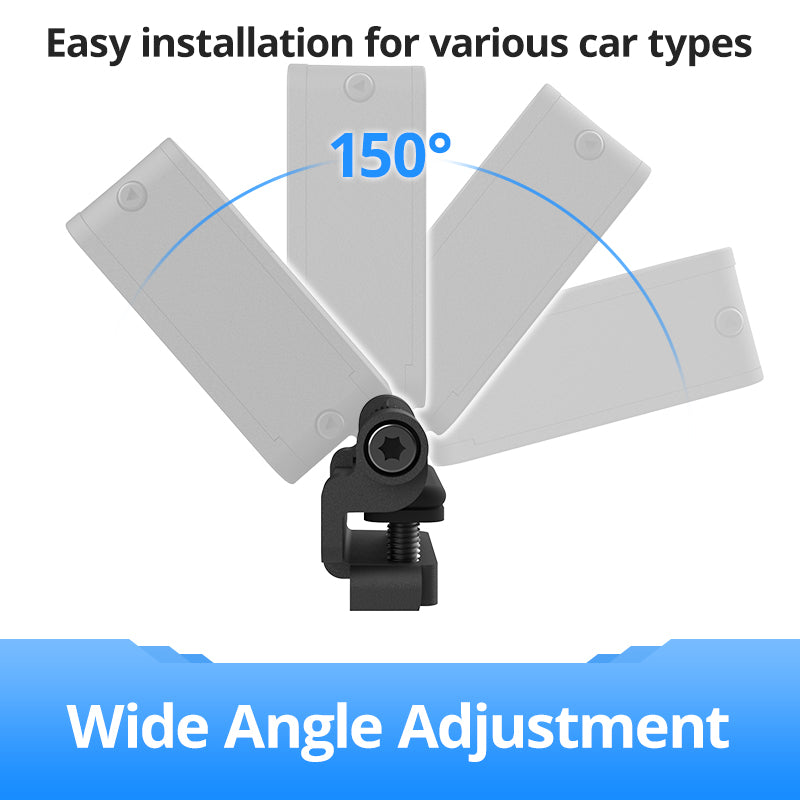
- Setup: Designed for straightforward installation; accessories available separately
Accessories in This Collection
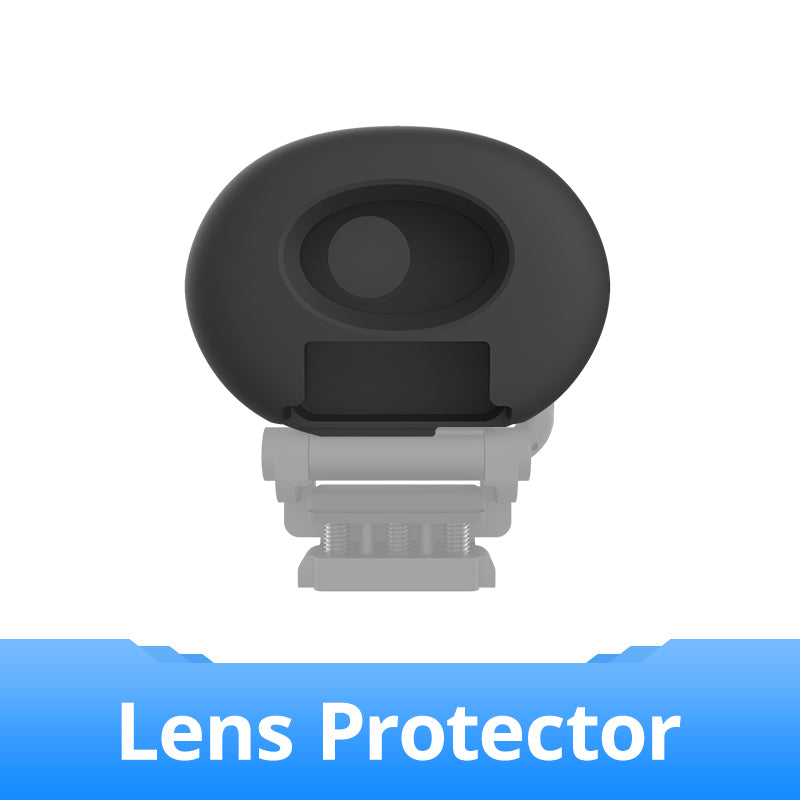
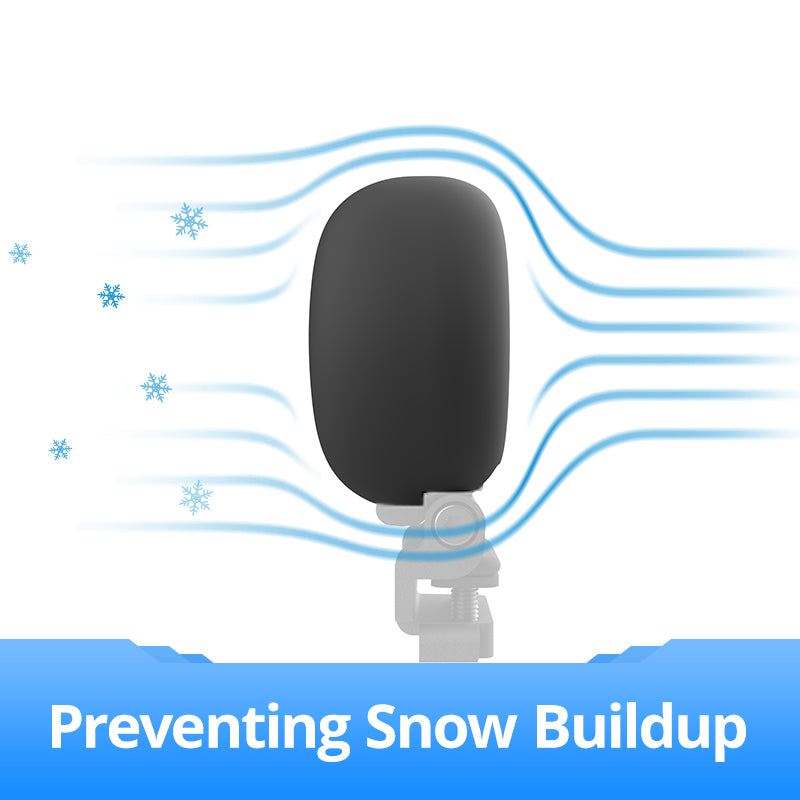
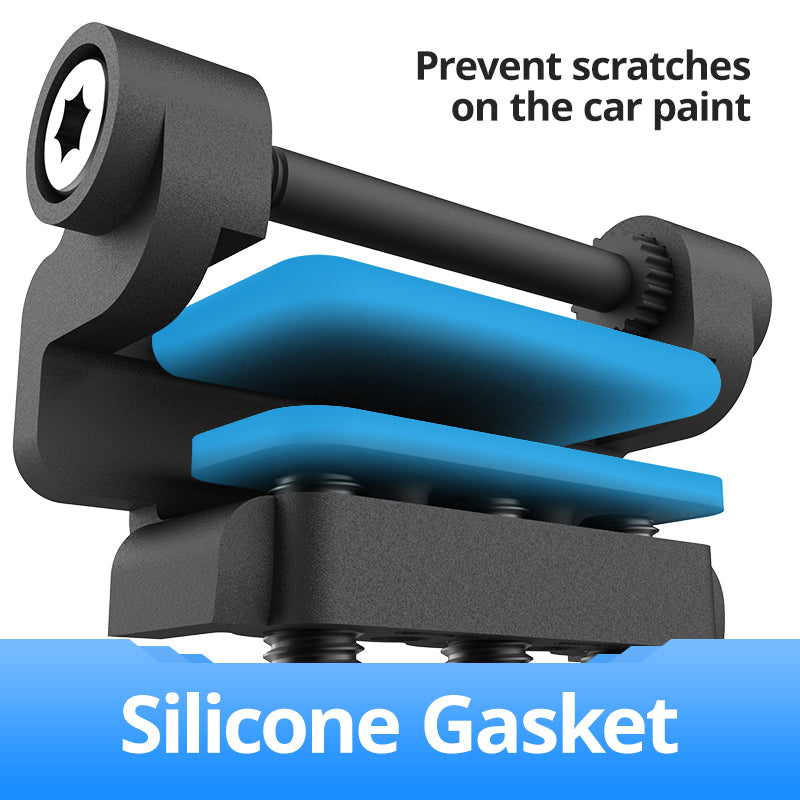
In addition to the main InsightDrive units, this collection includes compatible accessories: lens protectors, lens holders, multimedia adapters (HDMI/VGA/RCA), screen mounts, and storage upgrade packs. These are listed alongside the main systems — check product titles to identify accessory items before purchasing.
Frequently Asked Questions
Does the InsightDrive work with my existing car display?
The system outputs video via HDMI, VGA, or RCA using the optional multimedia adapter. Compatibility depends on your vehicle's available display inputs. If your vehicle does not have a compatible screen, a separate display will be required.
What is the difference between the 12V and 24V variants?
The 12V variant is designed for standard passenger vehicles. The 24V variant includes a voltage converter and is intended for trucks, RVs, buses, and other vehicles that operate on a 24V electrical system.
Can I install the system myself?
The system is designed for straightforward installation. Most users with basic automotive wiring experience can complete the setup. Professional installation is recommended if you are not comfortable working with vehicle electrical systems.
Is this system a substitute for attentive driving?
No. The InsightDrive is a driving assistance tool. It is designed to extend your detection range and provide earlier warnings — it does not replace the driver's responsibility to observe the road, maintain safe speeds, and follow traffic regulations.
For compatibility questions or installation guidance, contact Robofinity directly before ordering.
Filtres
5 produits